¶ Trainer dashboard
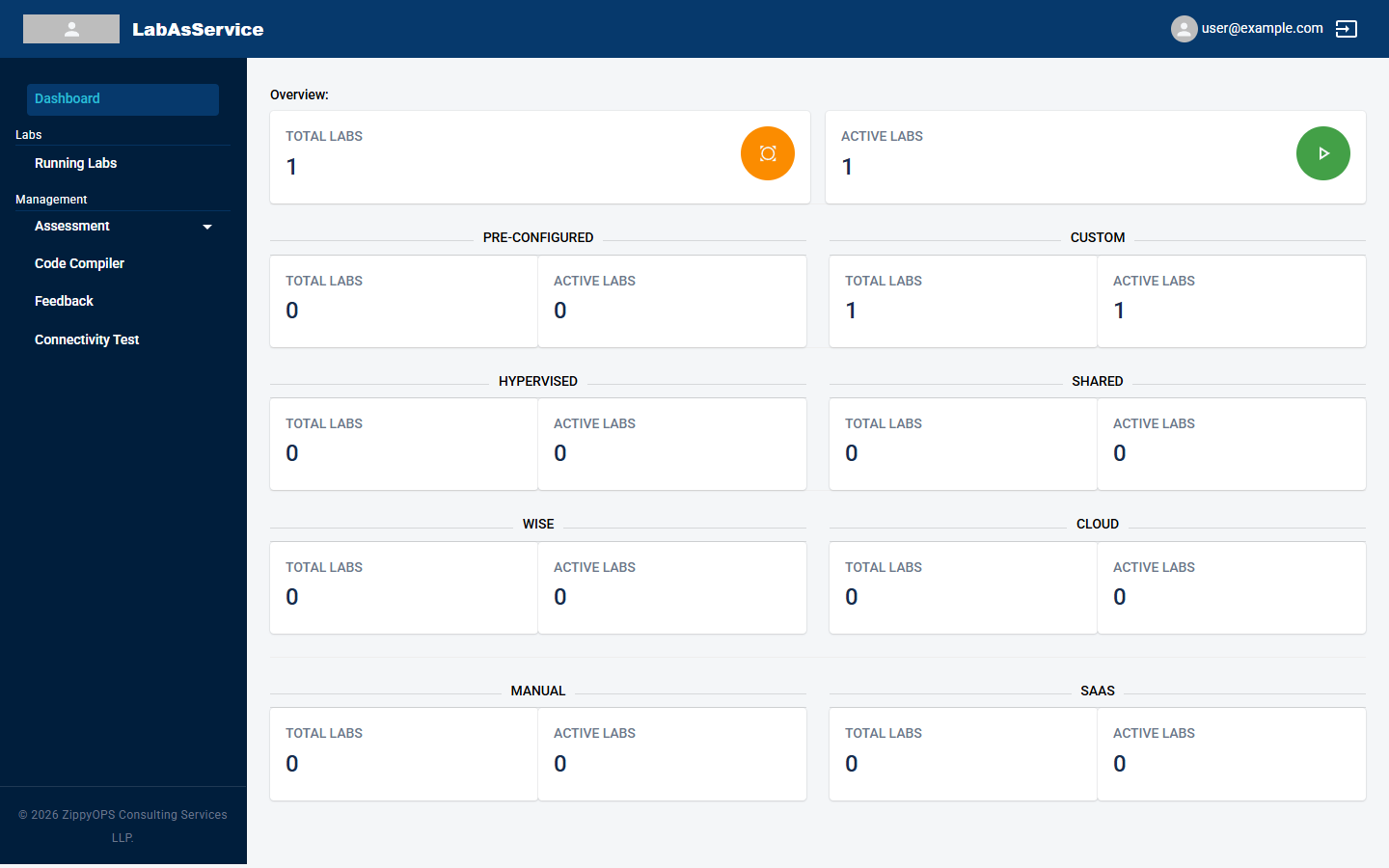
The Dashboard is the first page you see after signing in as a trainer. It shows how many labs you are responsible for.
¶ What the dashboard shows
At the top, Overview gives two totals across every lab type:
- TOTAL LABS: all labs assigned to you
- ACTIVE LABS: labs that are currently running
Below that, one pair of tiles for each lab type shows TOTAL LABS and ACTIVE LABS for that type. The types are Pre-Configured, Custom, Hypervised, Shared, Wise, Cloud, Manual and SaaS. For what each type is, see Lab types.
¶ Next steps
Select Running Labs in the sidebar to see and manage the labs themselves. See Running labs and trainee instances.