¶ Schedules
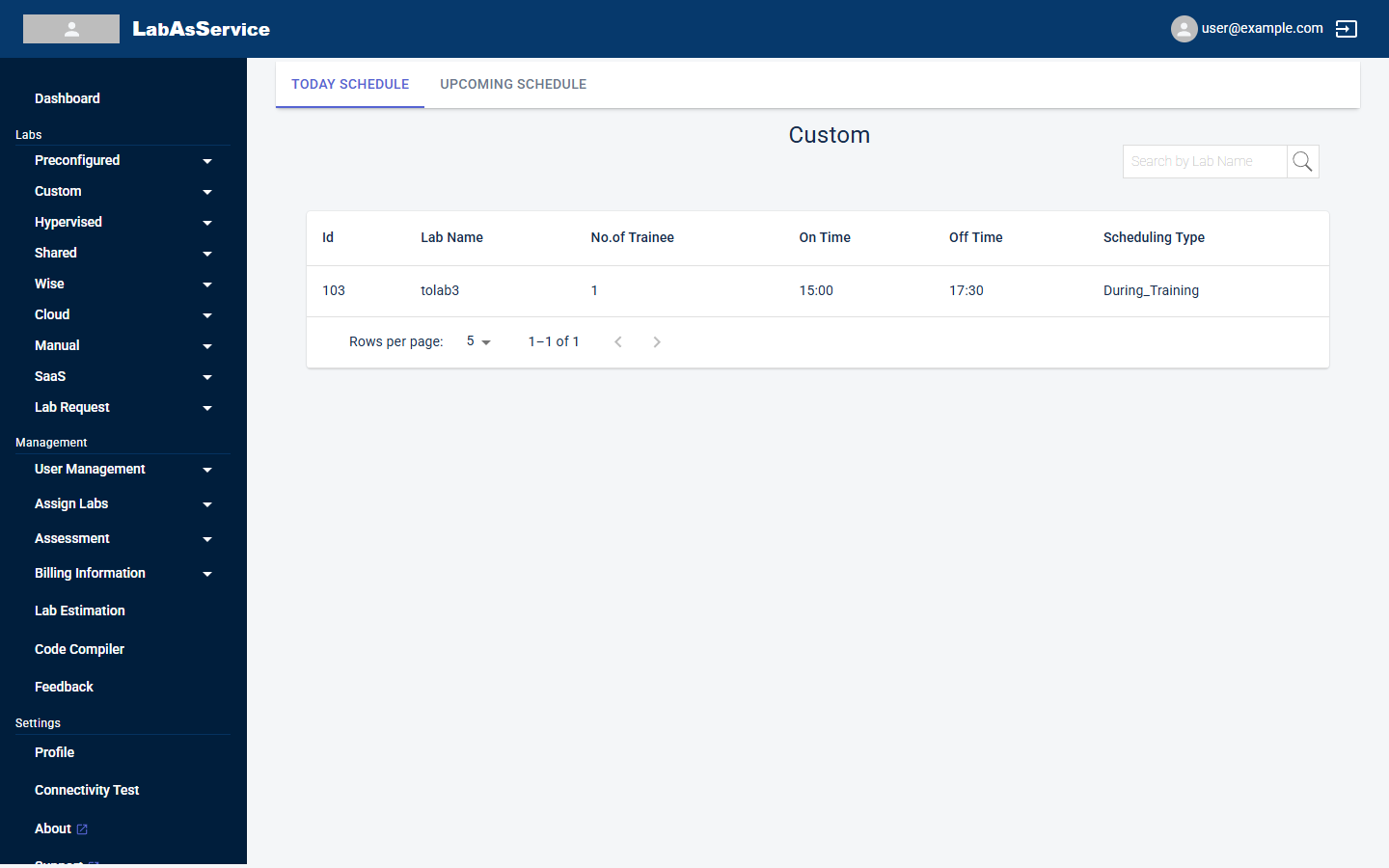
Each lab type that has a Request page also has a Schedule page, for example Custom > Schedule. It shows when labs of that type are due to run.
¶ Two views
Use the tabs at the top of the page:
| Tab | Shows |
|---|---|
| TODAY SCHEDULE | Labs scheduled to run today |
| UPCOMING SCHEDULE | Labs scheduled for later dates |
¶ Columns
| Column | Meaning |
|---|---|
| Id | The lab's unique number |
| Lab Name | The name of the lab |
| No.of Trainee | How many trainees the lab is for |
| On Time | The time the lab starts running |
| Off Time | The time the lab stops running |
| Scheduling Type | Always, During_Training or Immediate. See Creating a lab |
Use Search by Lab Name to find a lab. When nothing is scheduled the table shows No Data Available.
¶ Where schedules exist
Schedule pages exist for Preconfigured, Custom, Hypervised, Shared, Wise and Cloud labs. Manual and SaaS have no Schedule page.
¶ Changing a schedule
You set a lab's schedule when you create it. See Creating a lab.