¶ Connectivity and speed test
Run these tests before your first session, or whenever a lab will not load or feels slow. They run from your own browser, so they show what your network can reach.
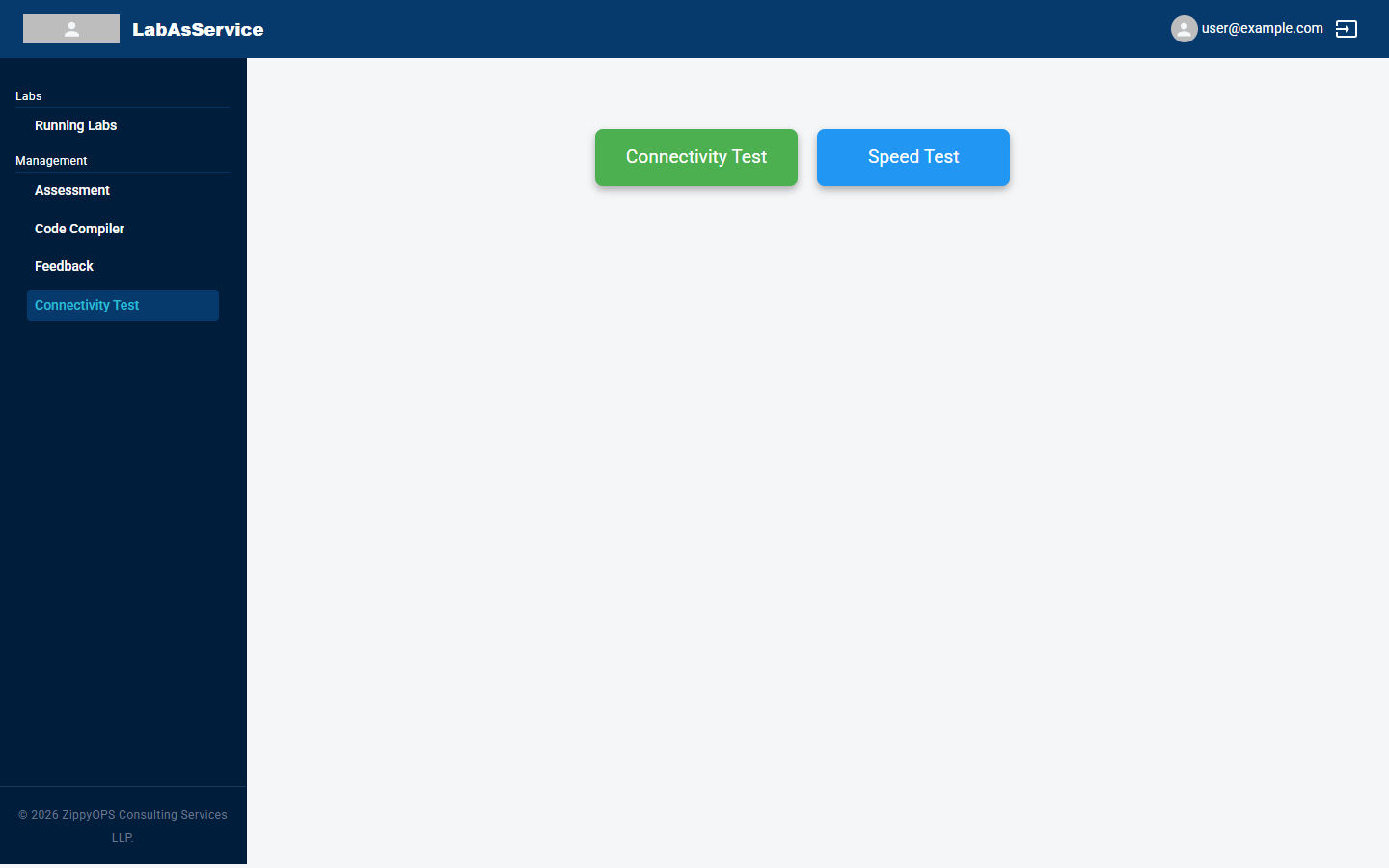
Open Connectivity Test from the sidebar. It is also linked from the sign-in page, so you can run it before you sign in.
¶ Connectivity Test
Select the green Connectivity Test button. The page checks each service LabAsService depends on and shows a tick when it can be reached.
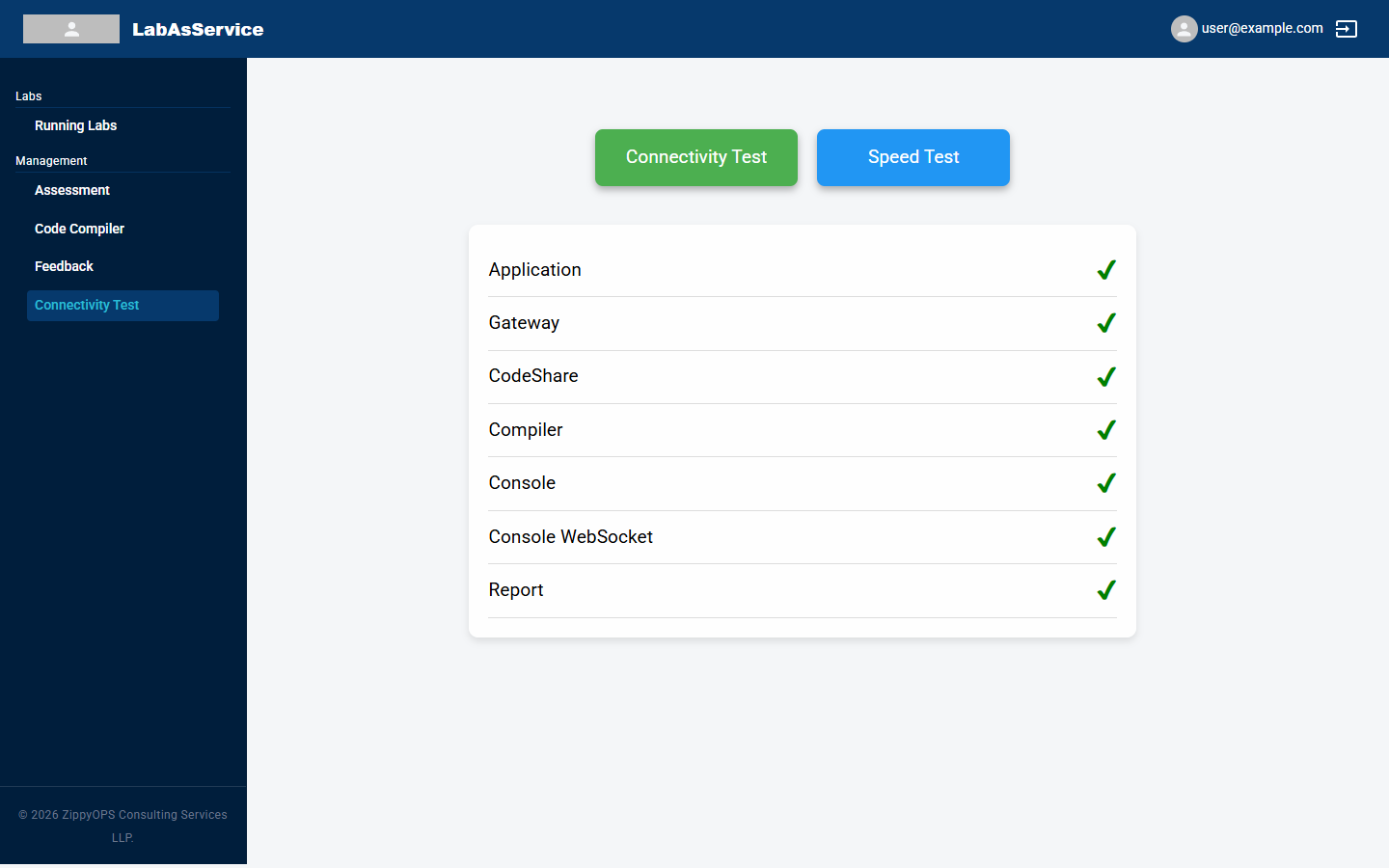
| Check | What it covers |
|---|---|
| Application | The LabAsService web application itself |
| Gateway | The LabAsService API server that the application talks to |
| CodeShare | The shared code-editing service |
| Compiler | The service behind the online code compiler |
| Console | The web console service behind the CONNECT button |
| Console WebSocket | The live (WebSocket) connection the console needs. A firewall or proxy that blocks WebSocket traffic will fail this check |
| Report | The usage-report service |
All seven should show a tick. A check that gets no answer within about five seconds is treated as failed. If one fails, see If a check fails.
¶ Speed Test
Select the blue Speed Test button. It measures three values.
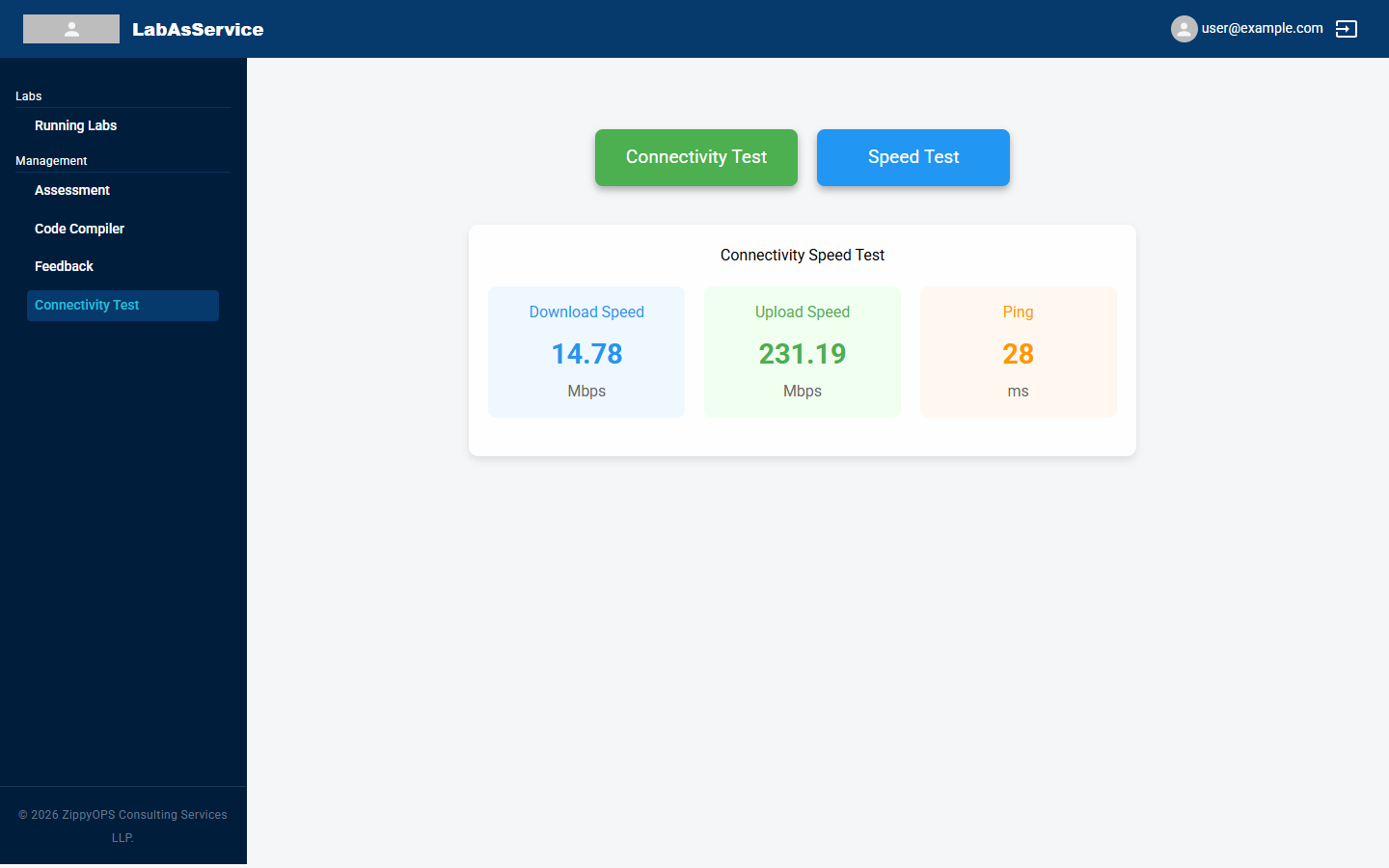
| Measure | Meaning |
|---|---|
| Download Speed | How fast data reaches you, in Mbps. Affects how quickly the console screen updates |
| Upload Speed | How fast data leaves your device, in Mbps |
| Ping | The round-trip delay to the platform, in milliseconds. A lower number means a more responsive console |
¶ If a check fails
- Run the test again. A brief network interruption can cause a single failure.
- Try a different network, such as a mobile hotspot, to find out whether your usual network is blocking access.
- If a check still fails on your usual network, ask your IT team to allow access to the LabAsService address, including WebSocket connections.
- If the problem continues, contact support using the Support link in the sidebar or on the home page.